Capture it fast
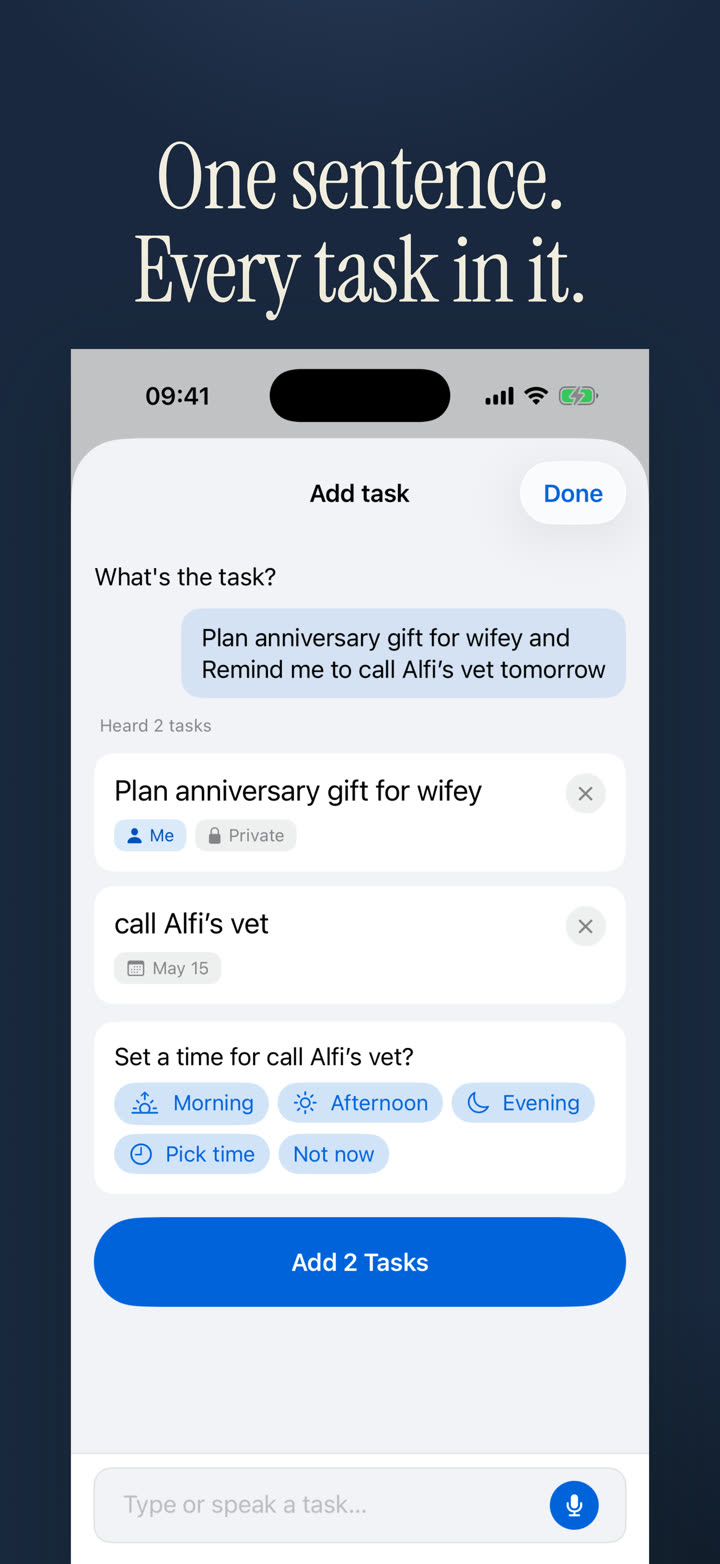
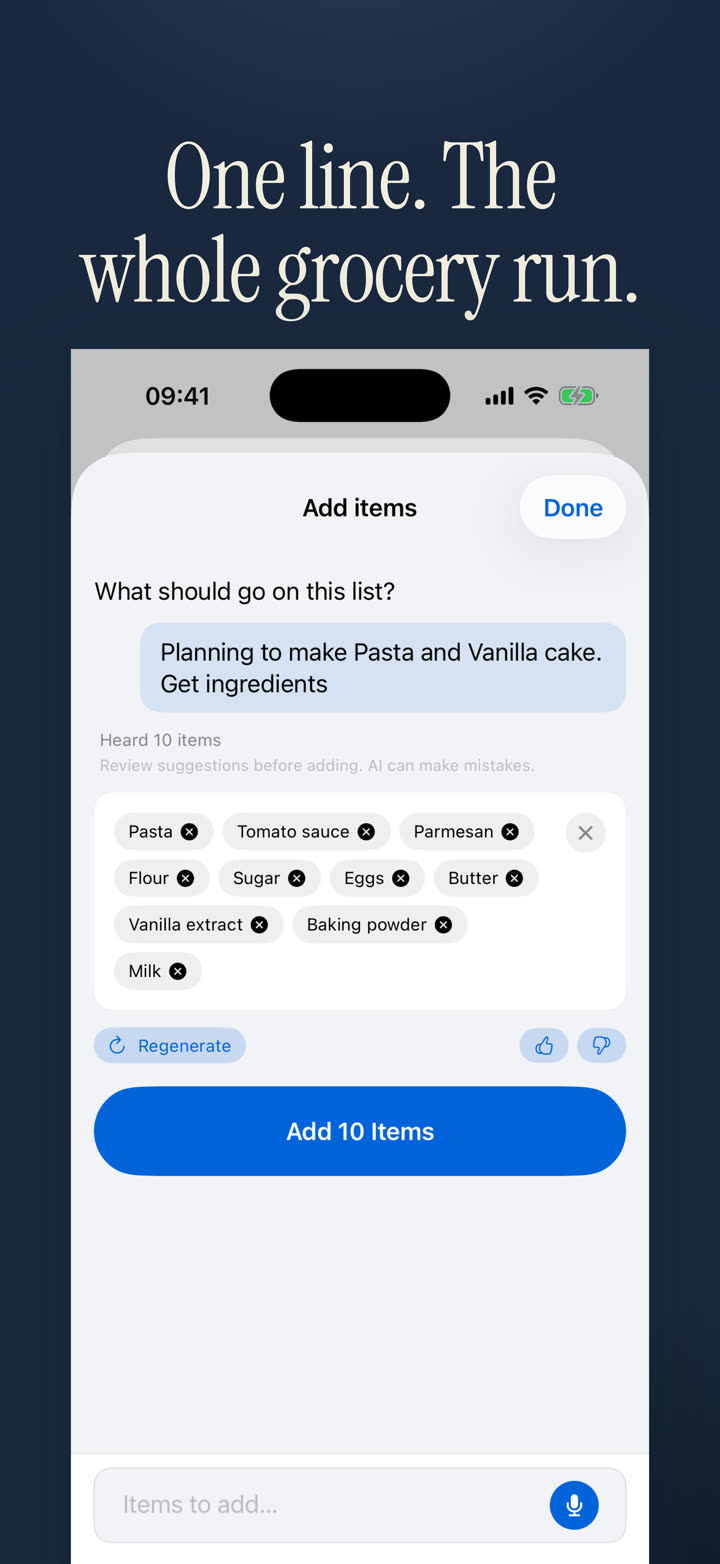
Type or speak naturally. Halves turns rough input into editable tasks, lists, due dates, and assignments.
Built by a couple, for couples
We built Halves because we kept losing track of who was doing what at home. Now both sides stay current — tasks, lists, reminders, and widgets in one shared place.
Free on iPhone. For partners, roommates, families, and anyone sharing the load.
How it works
Type or speak naturally. Halves turns rough input into editable tasks, lists, due dates, and assignments.
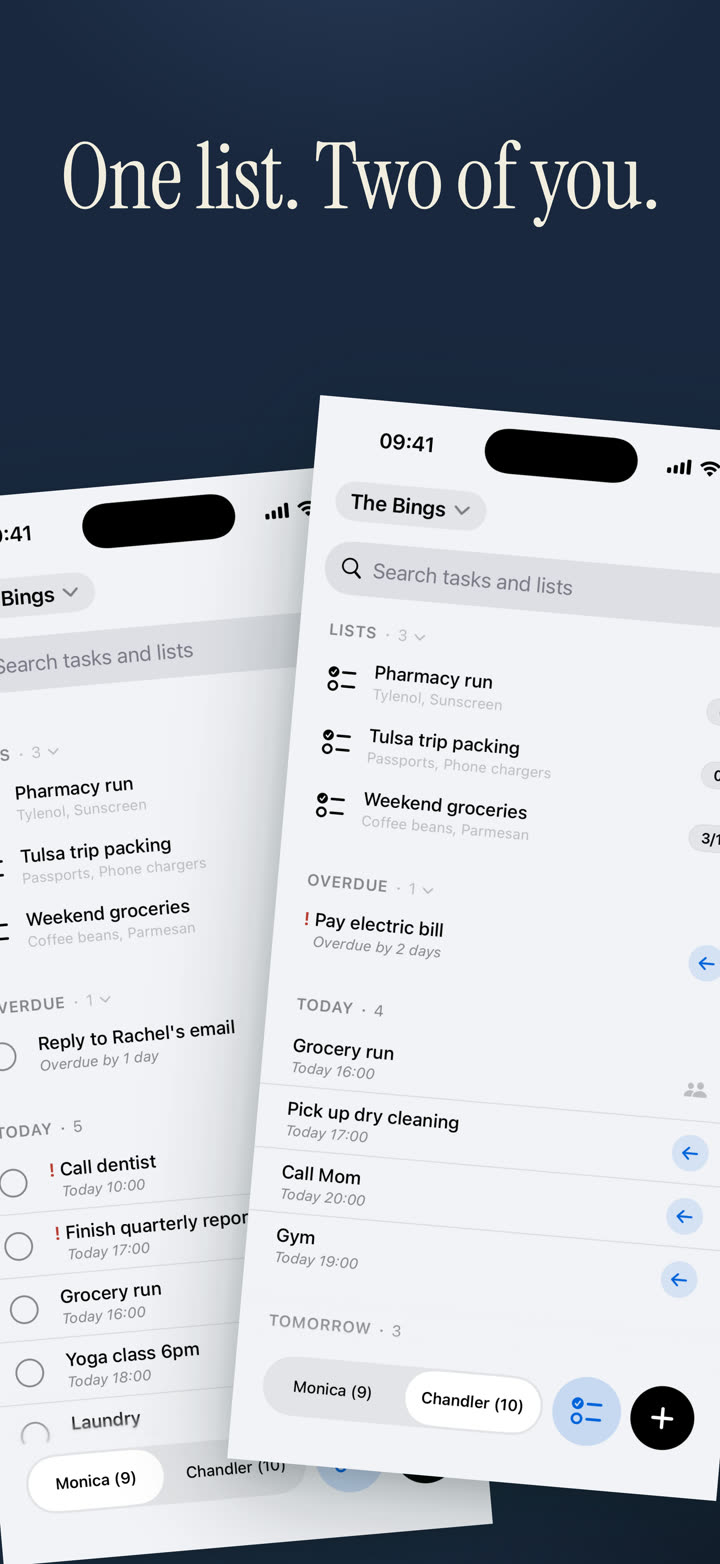
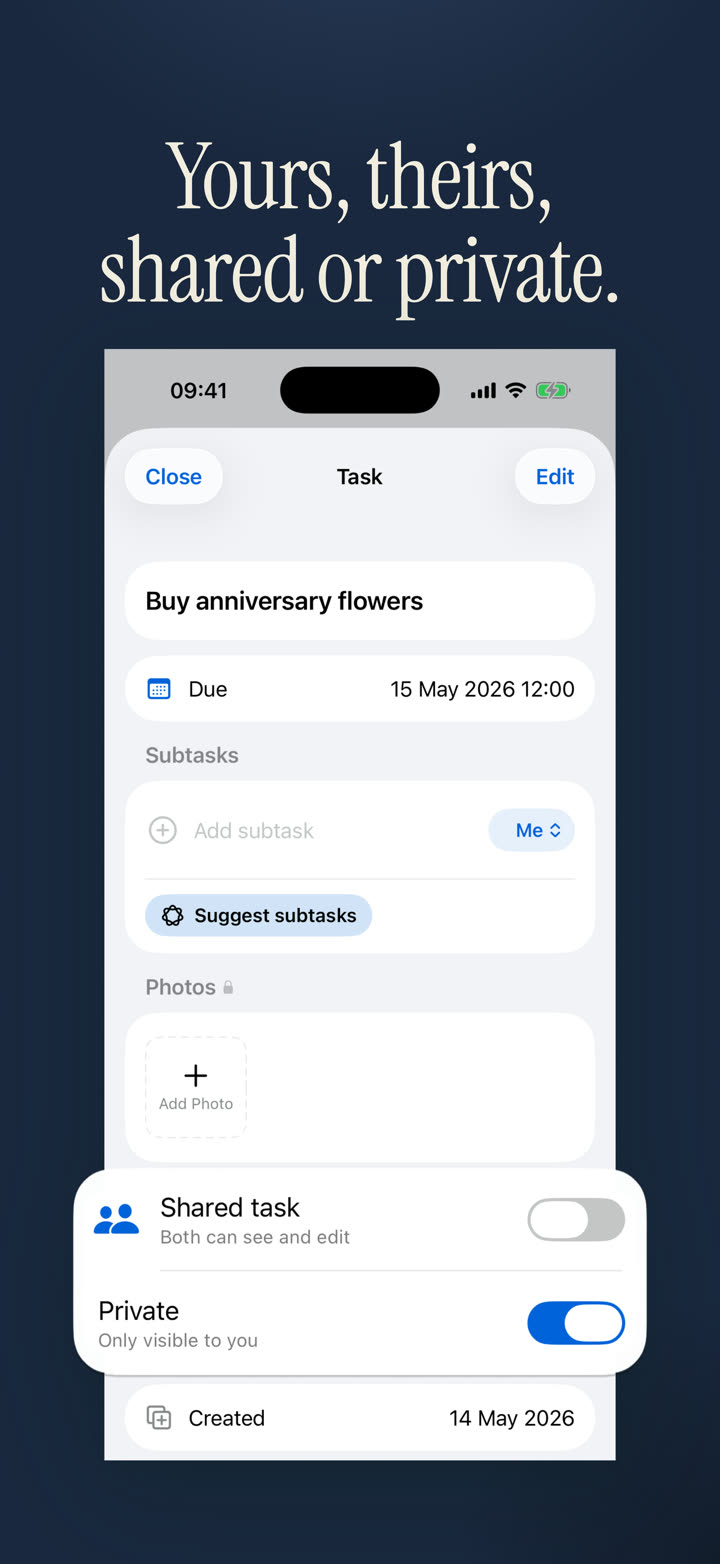
Set each task to Me, Partner, or Both so ownership stays obvious across the app, widgets, and watch.
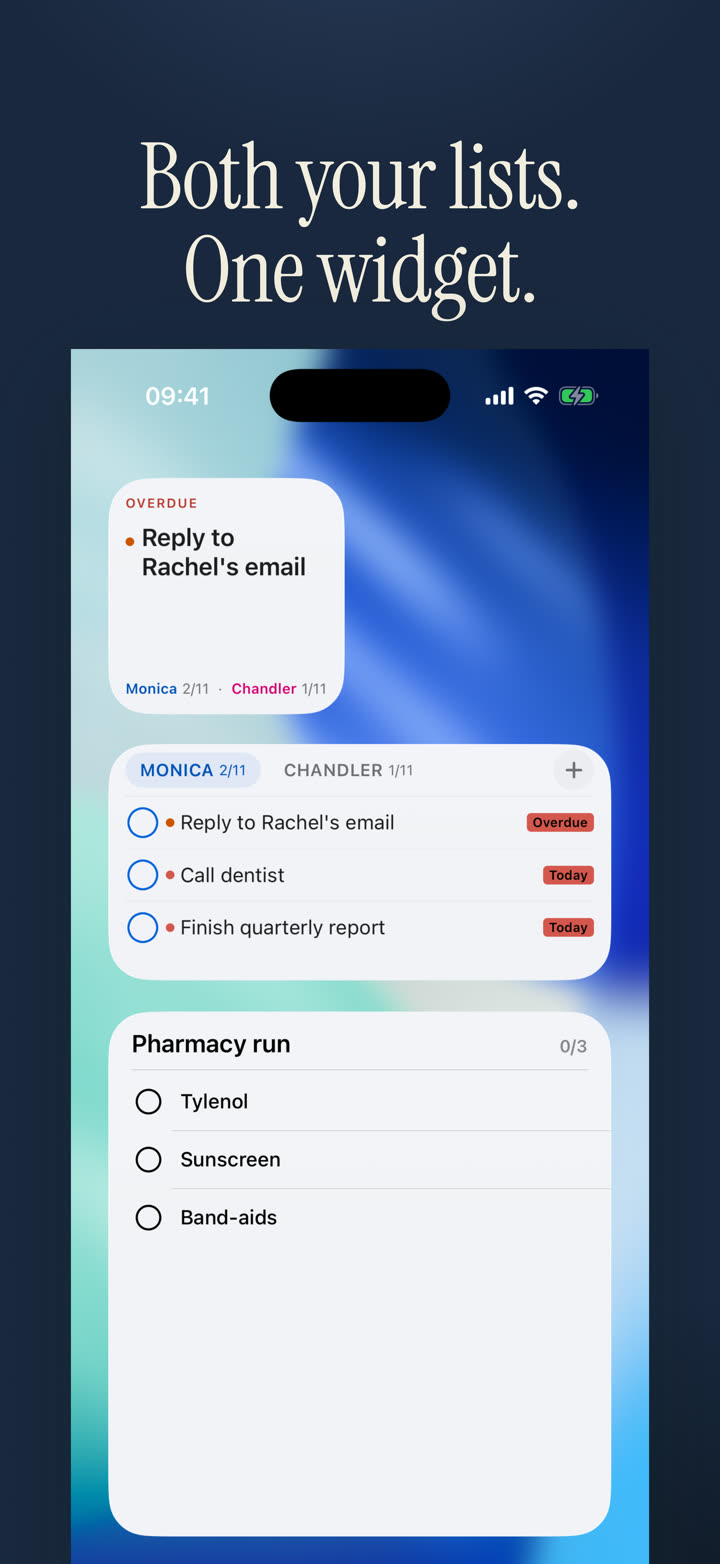
Home Screen widgets, reminders, stale task surfacing, and quick reactions help the work continue without a long app session.
Useful by default
Halves keeps shared life lightweight, but the details are there when a task needs more context.
Tap to get an ordered breakdown, then keep, edit, or discard the suggested subtasks.
Parent tasks show progress, and the parent can complete when the final subtask is done.
Add more than one custom reminder to the same task when one nudge is not enough.
Attach up to two encrypted photos for receipts, labels, instructions, or visual context.
Start a 25-minute focus session from task details when a task needs real attention.
Apple Intelligence rewrite, proofread, and summarize is available where you type.
Fast capture
Dictation keeps listening through natural pauses. Halves removes filler, shows what it understood, and lets you adjust before anything is saved.
Home Screen widgets
See list contents, check items off, and catch slipped recurring work before it disappears.
Screens from the app
The site uses the same product surfaces people will see after installing: widgets, task views, assignment, voice, and AI lists.
Privacy by default
Get Halves
Free on iPhone. Built for shared tasks, lists, reminders, widgets, and fewer "did you do it?" messages.